Solitaire Ultimate
How to play Solitaire Ultimate
Clear the cards by moving them into the order required by your chosen game. Click or tap a card to play, or drag it where you want it to go. The game highlights your first moves to show where cards can go.
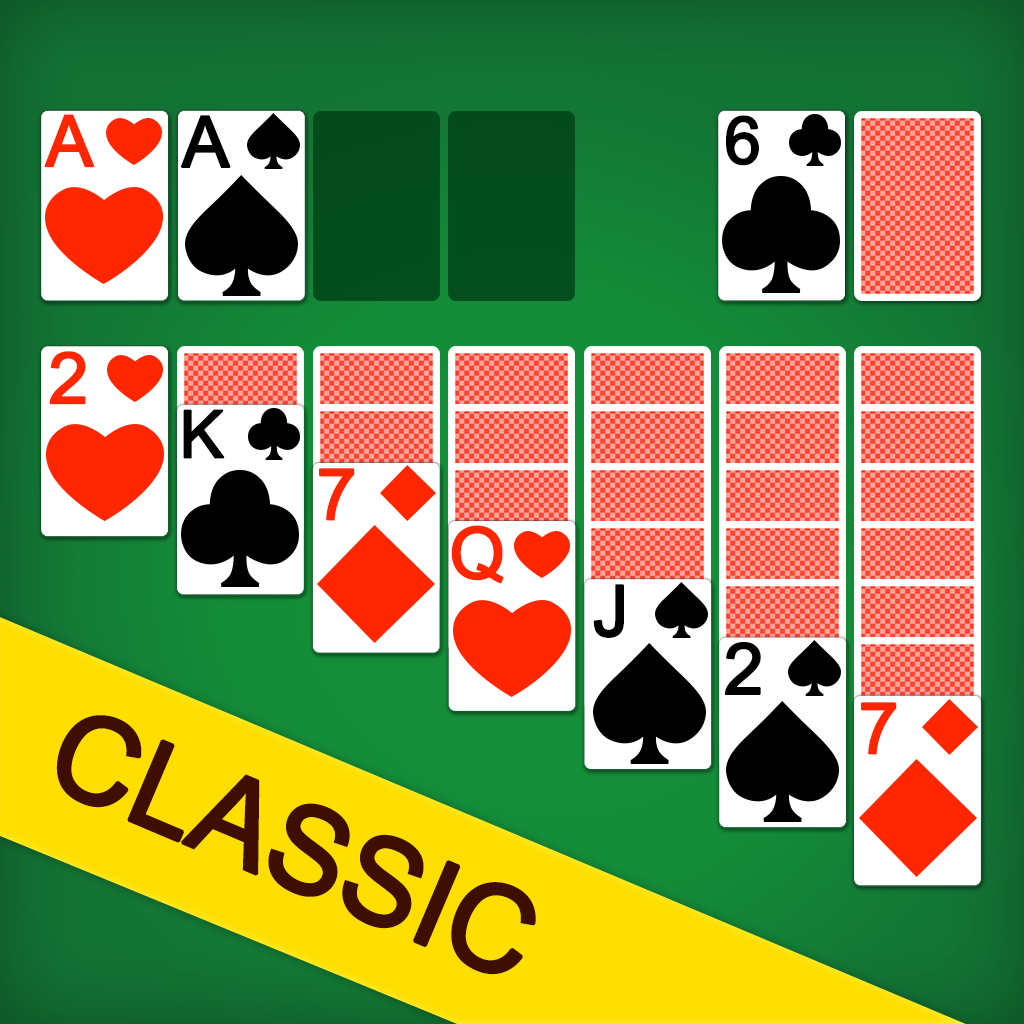
Before moving a card, check what's underneath it and where it can go next. In Klondike, moving a stack might uncover a face-down card. In FreeCell, an empty holding space gives you somewhere to put a card while you reach the one below it.
If a move leaves you stuck, use Undo to take it back. Try moving a different card to uncover a face-down card or free a holding space. Each mode tracks how many games you win in a row. After a loss, try to beat your previous streak.
Solitaire Ultimate features
- 3 solitaire games: Solitaire Ultimate includes the classic klondike as well as Spider Solitaire and FreeCell. Start with "Draw 1" in Klondike to turn over one card at a time, or choose "Draw 3" to turn over three cards at a time. Start Spider with one suit, meaning one card symbol, such as spades. Try two or four suits for a harder game.
- Daily Challenge: Play a new card layout each day, with the same cards for every player. The challenge rotates between Klondike, Spider and FreeCell, so the rules you use change with the day's game. Open "Daily" to see the calendar and choose a challenge. Completed days are marked so you can check which ones you've finished.
- Unlockable card designs: Winning unlocks 25 styles across card backs, card faces and table colors. Open "Style" to browse the choices and see how many more wins you need for a locked design.
More games like Solitaire Ultimate
Try Solitaire Klondike 2.0 for more classic Klondike deals.
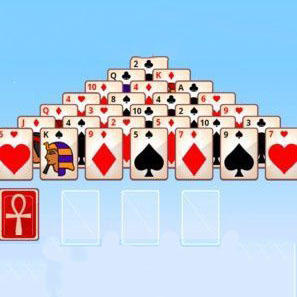
For a different way to clear cards, play Tri Peaks. Choose a card one number above or below the current card, removing cards to uncover the ones underneath.
How to play
Click or tap to play!